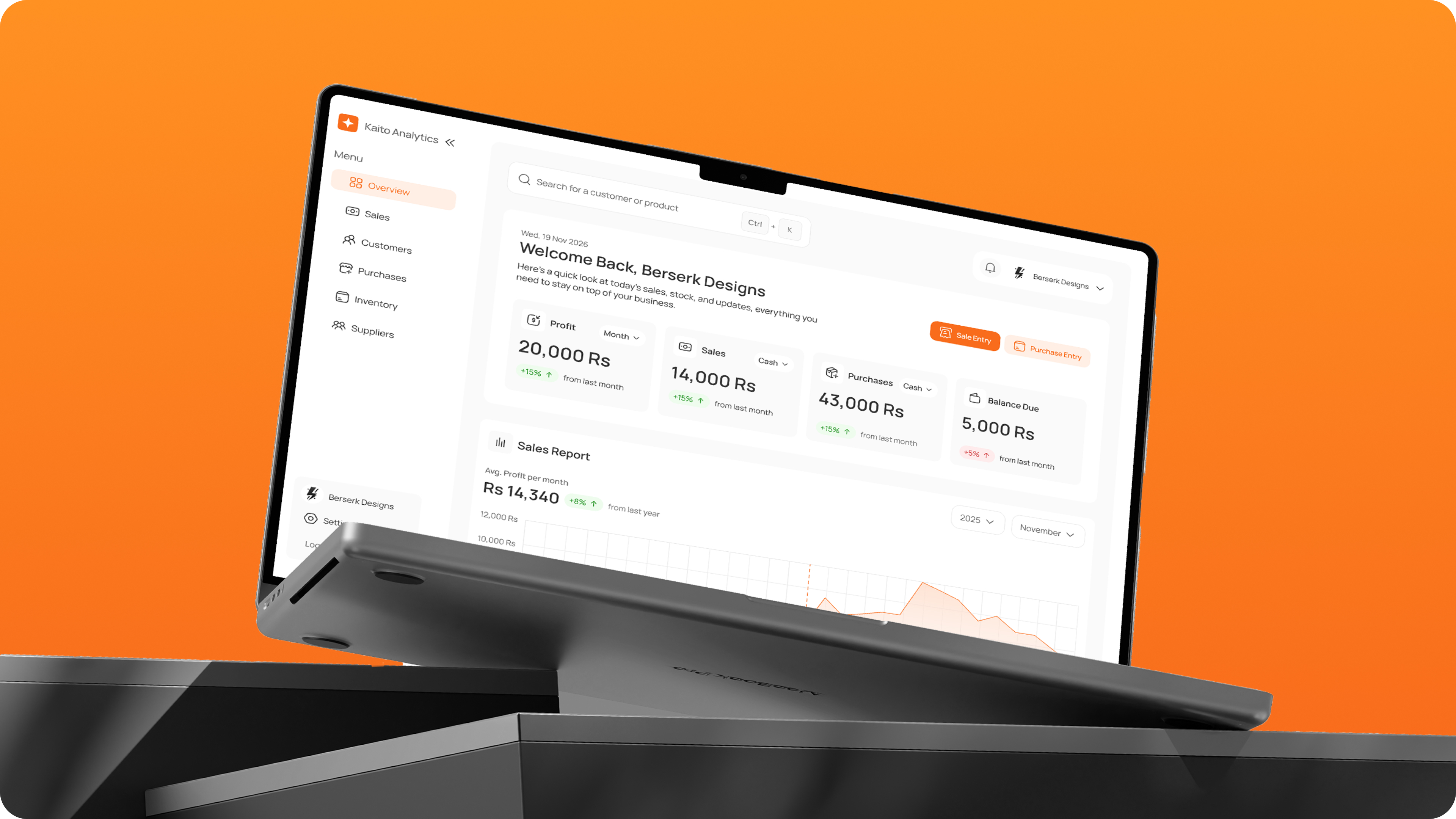
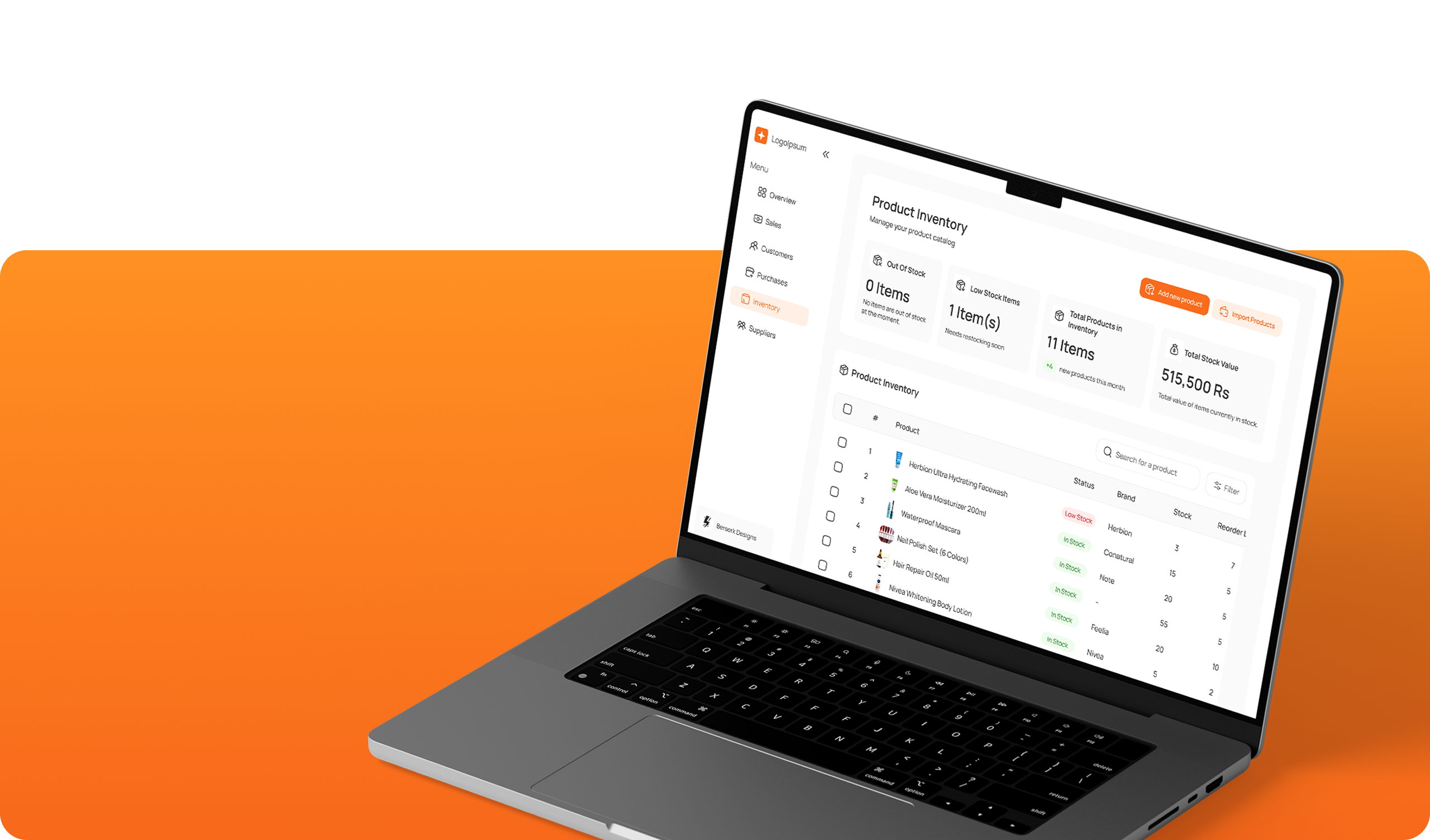
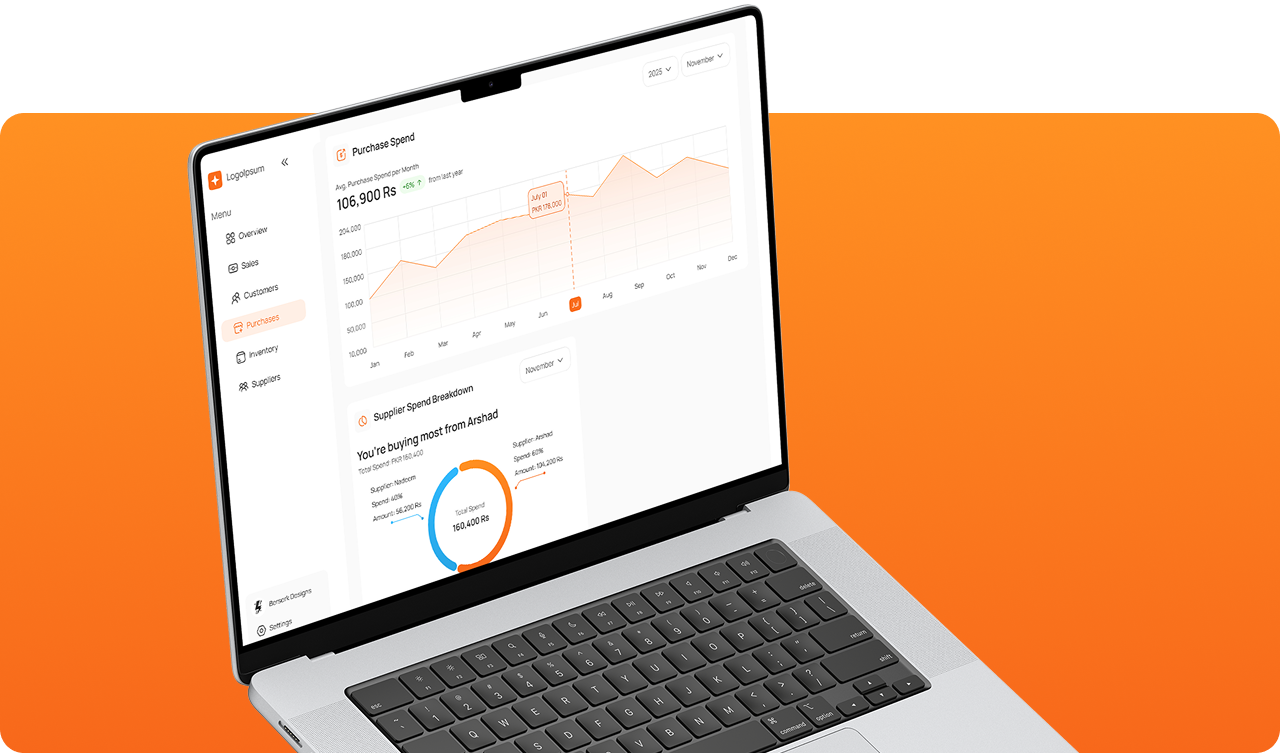
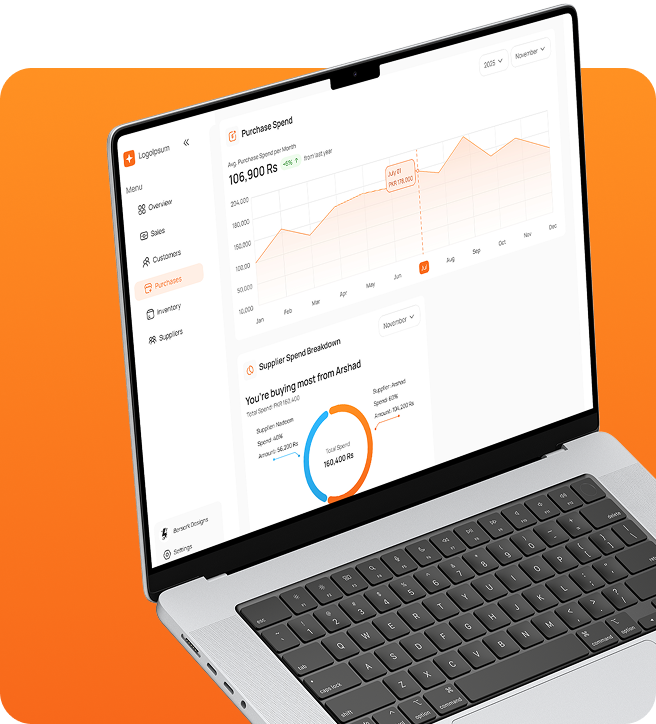
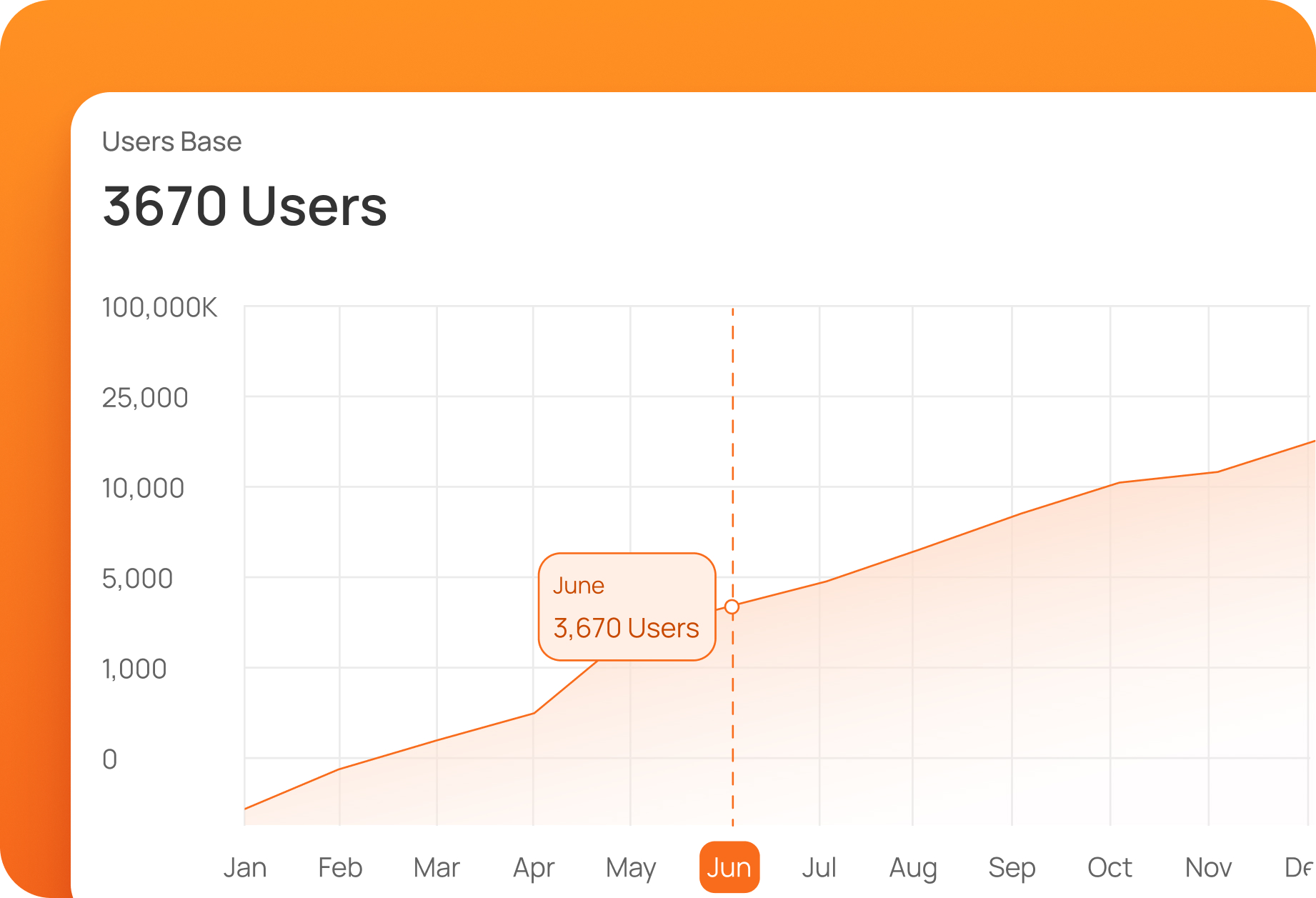
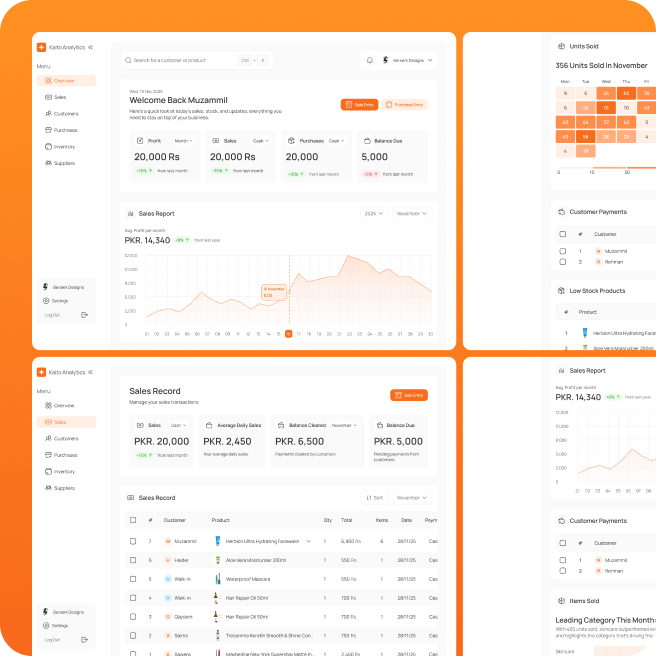
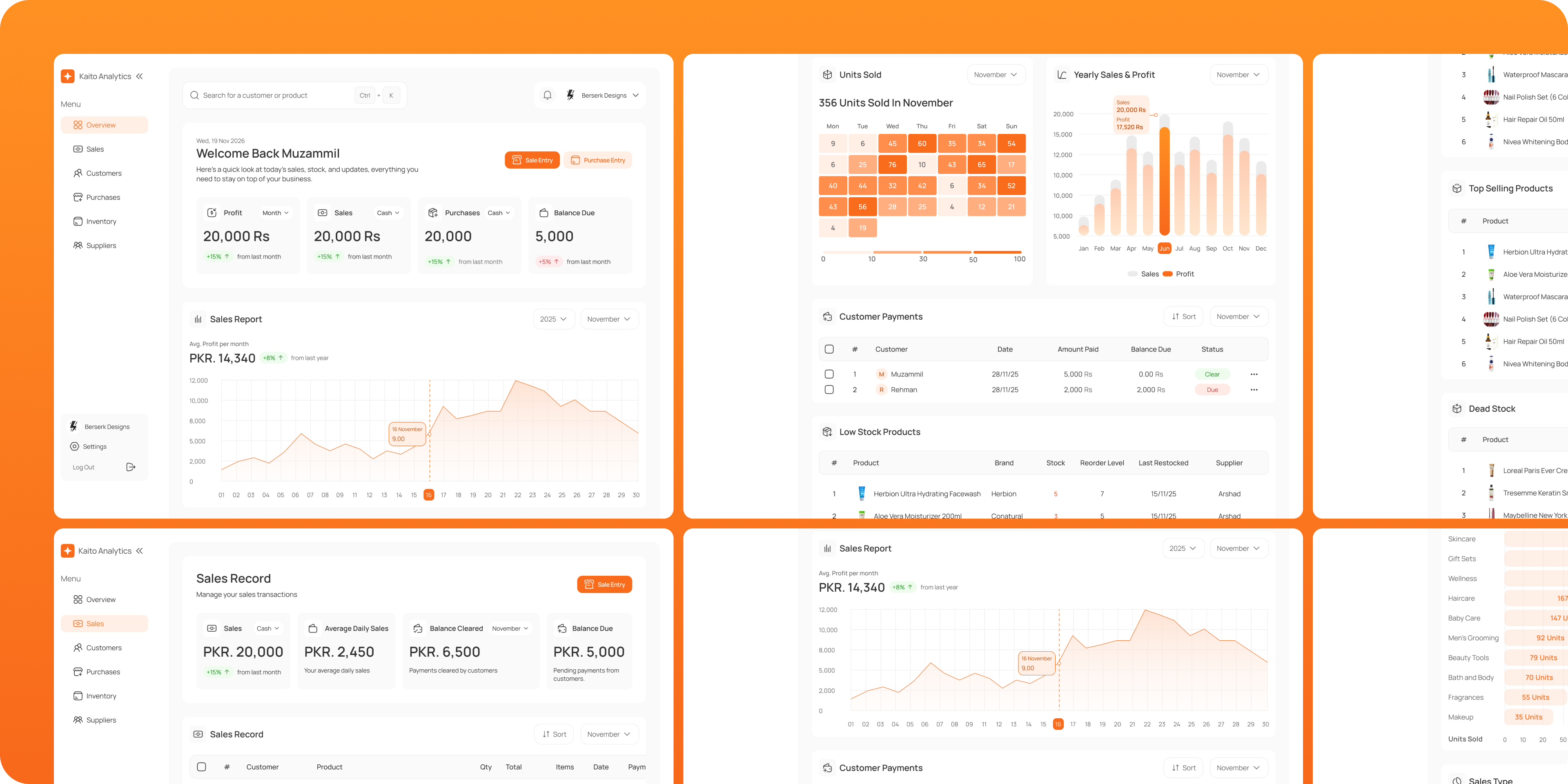
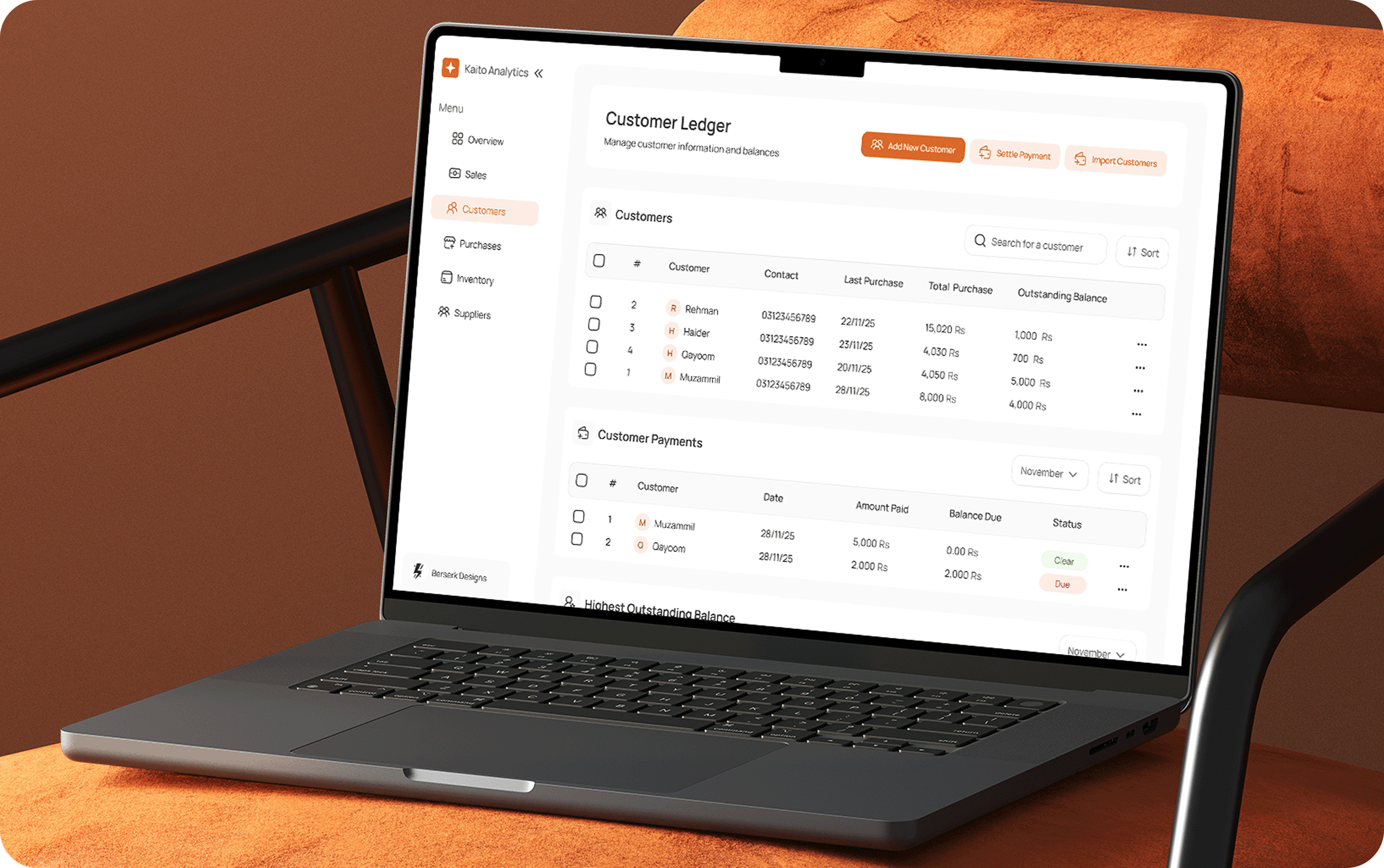
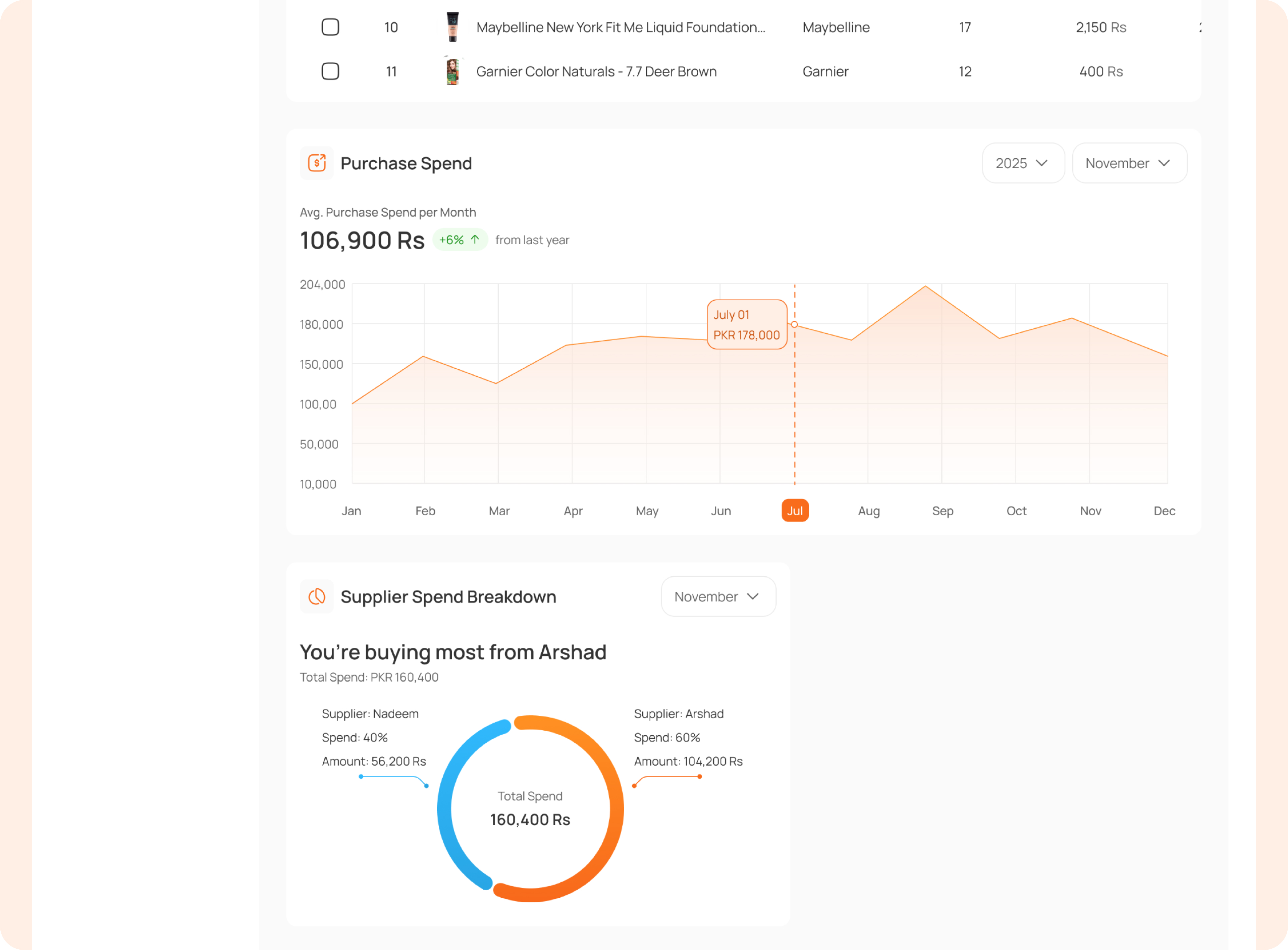
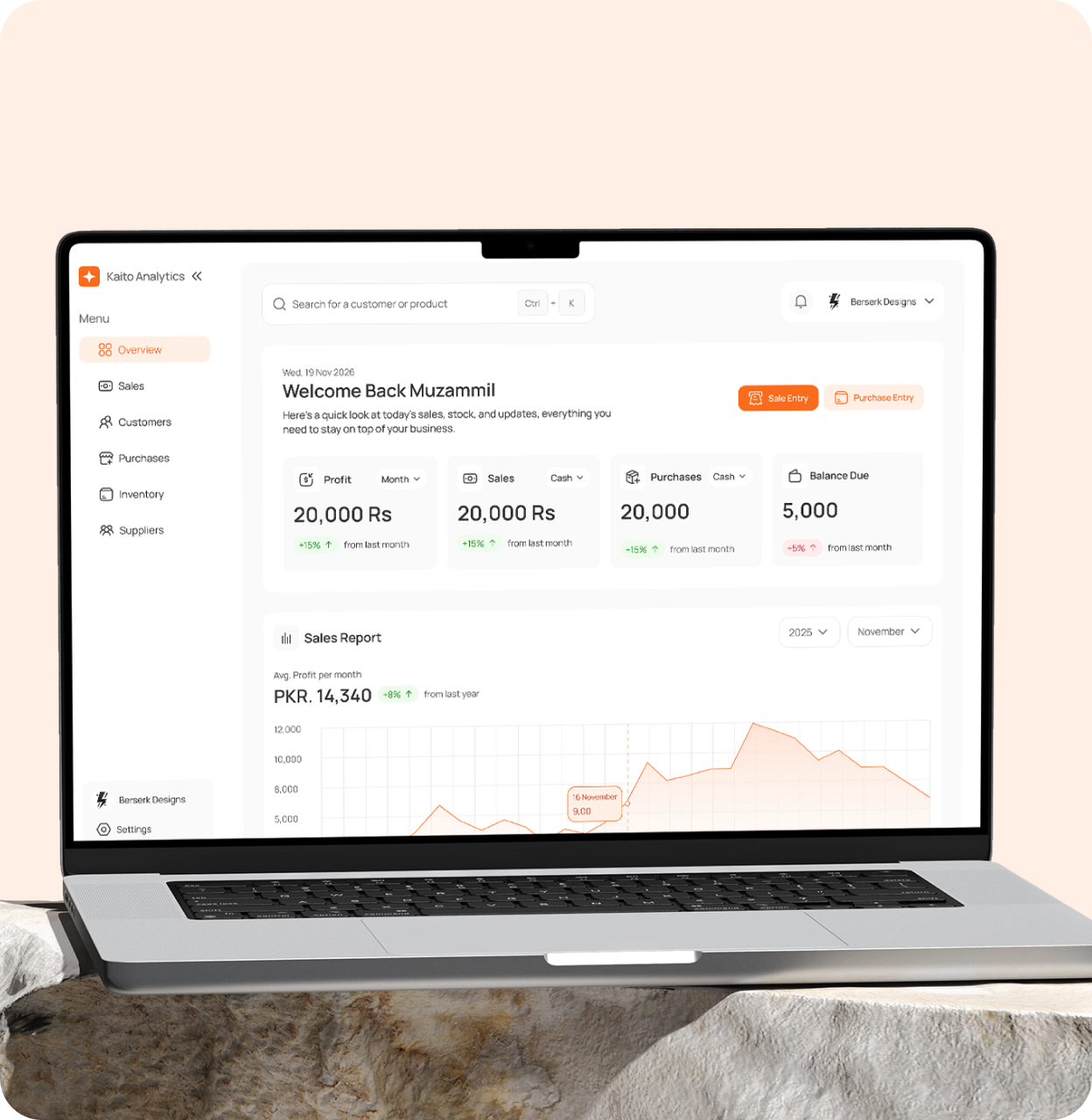
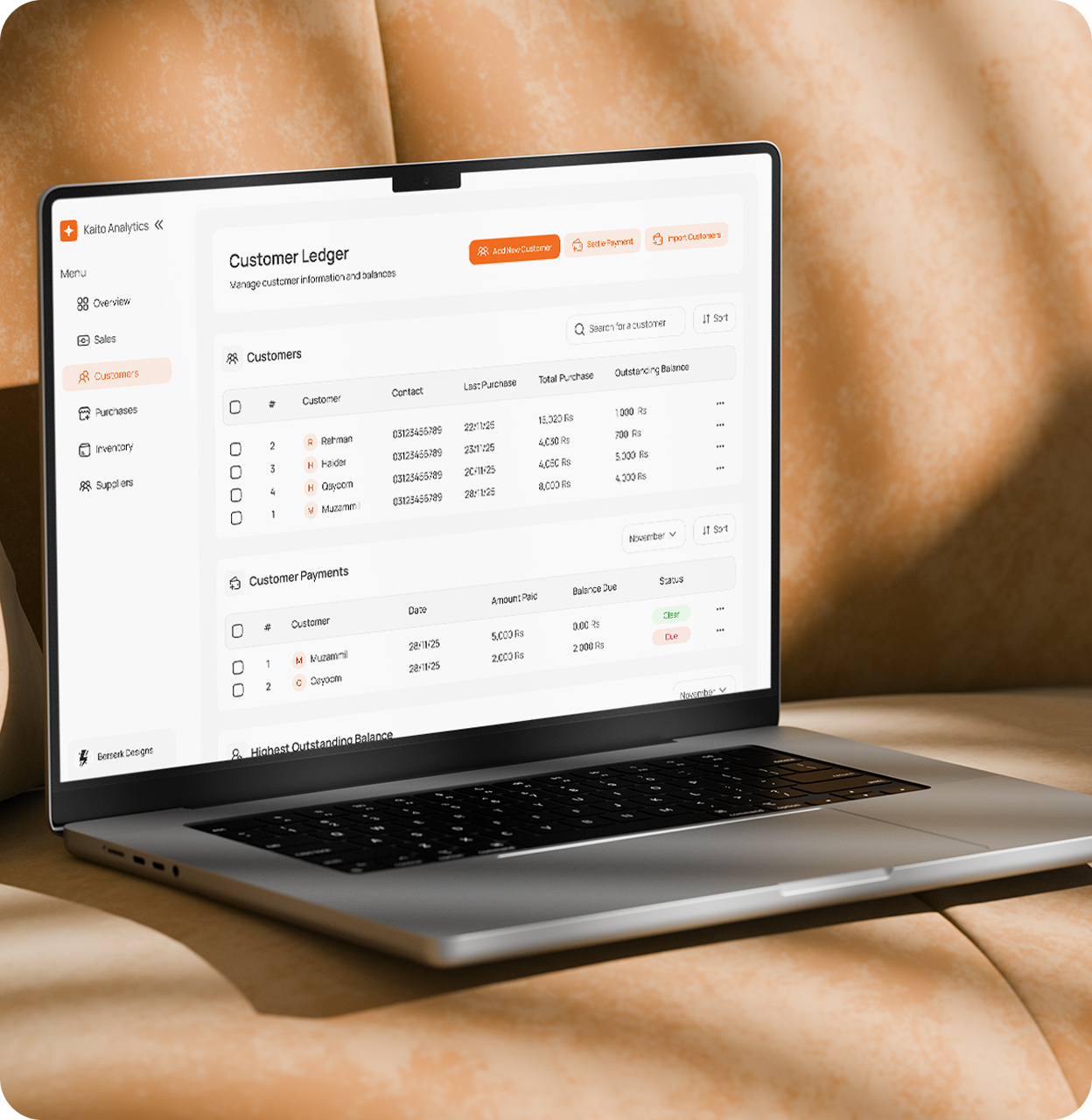
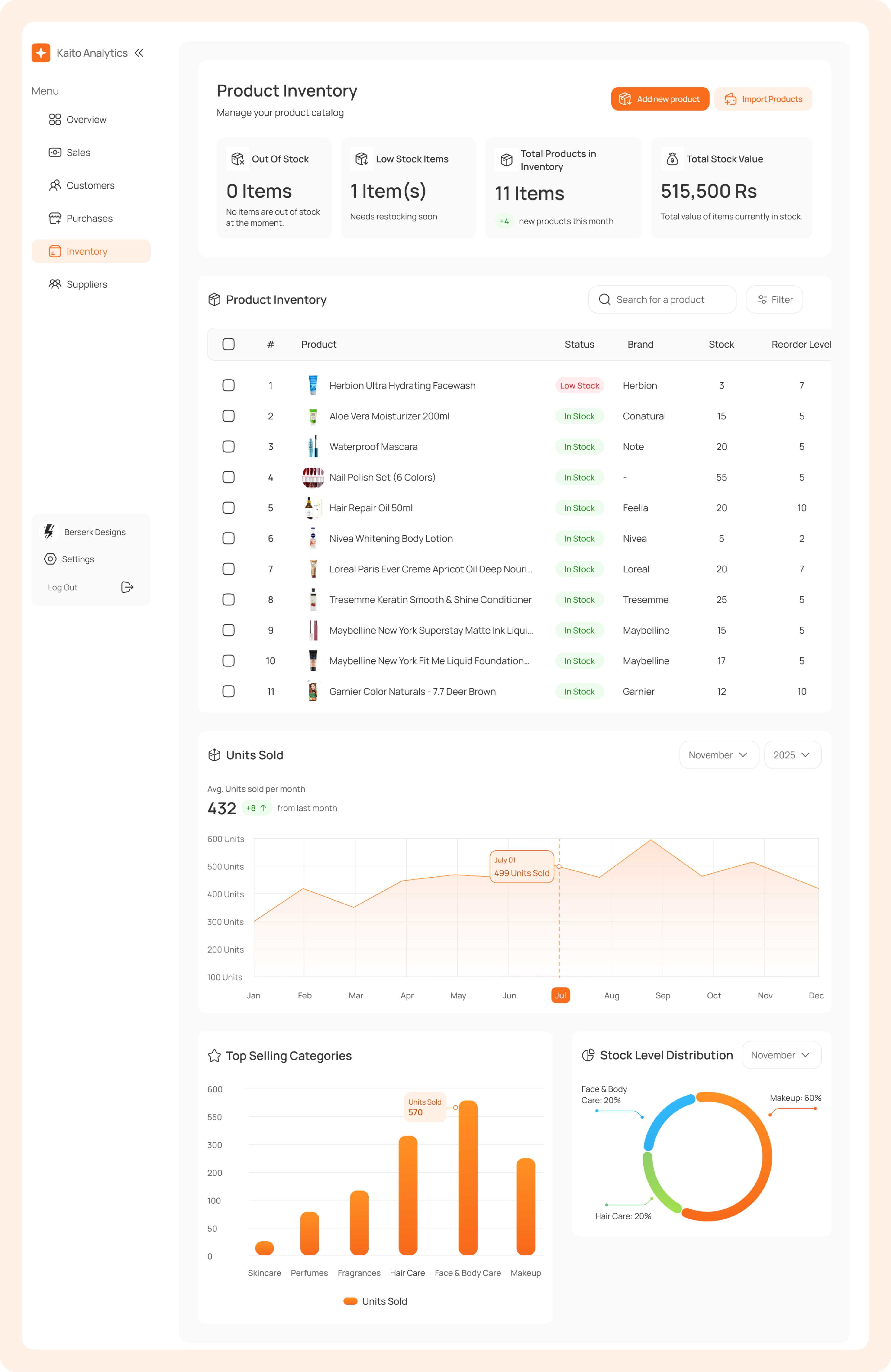
Running a small or medium shop is chaotic. Sales, stock, profits, and credit live in paper or memory, so owners never see the full picture. Mistakes stack up, decisions become guesses, and cash flow stays unclear. Kaito Analytics fixes this with a simple, fast dashboard that gives real control, no complexity, no expensive setups, no learning curve. It turns daily chaos into clear, real-time decisions.
Most local businesses still rely on paper or memory to track stock, sales, and money. This makes it hard to know what’s selling, where money is going, and whether the business is actually profitable. Modern software feels complicated and time-consuming, so shop owners avoid it.
Records become messy, finding information takes too long, and during busy hours there’s no time to properly note sales. Over time, this leads to errors, lost data, and daily operational chaos.
Solution
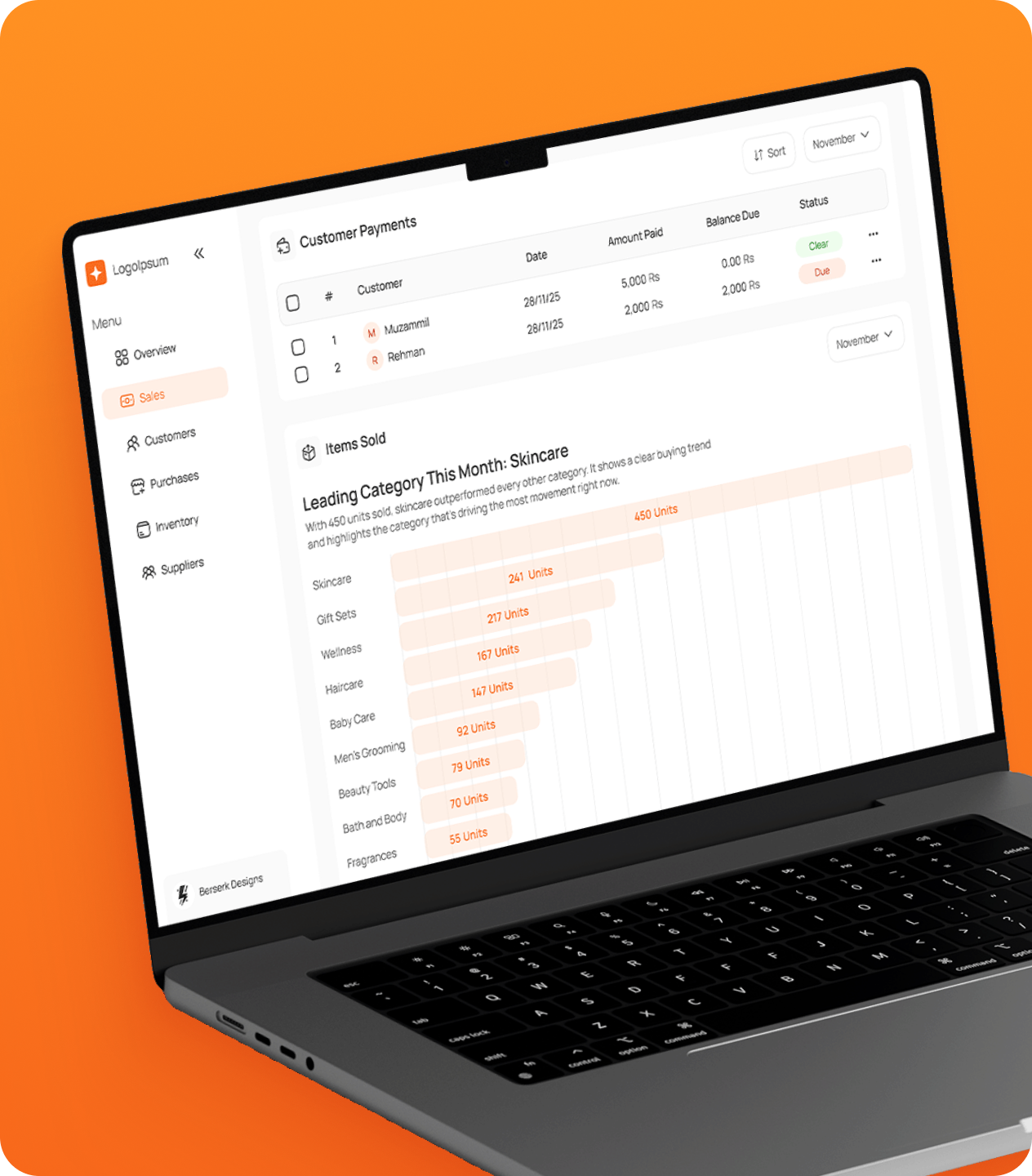
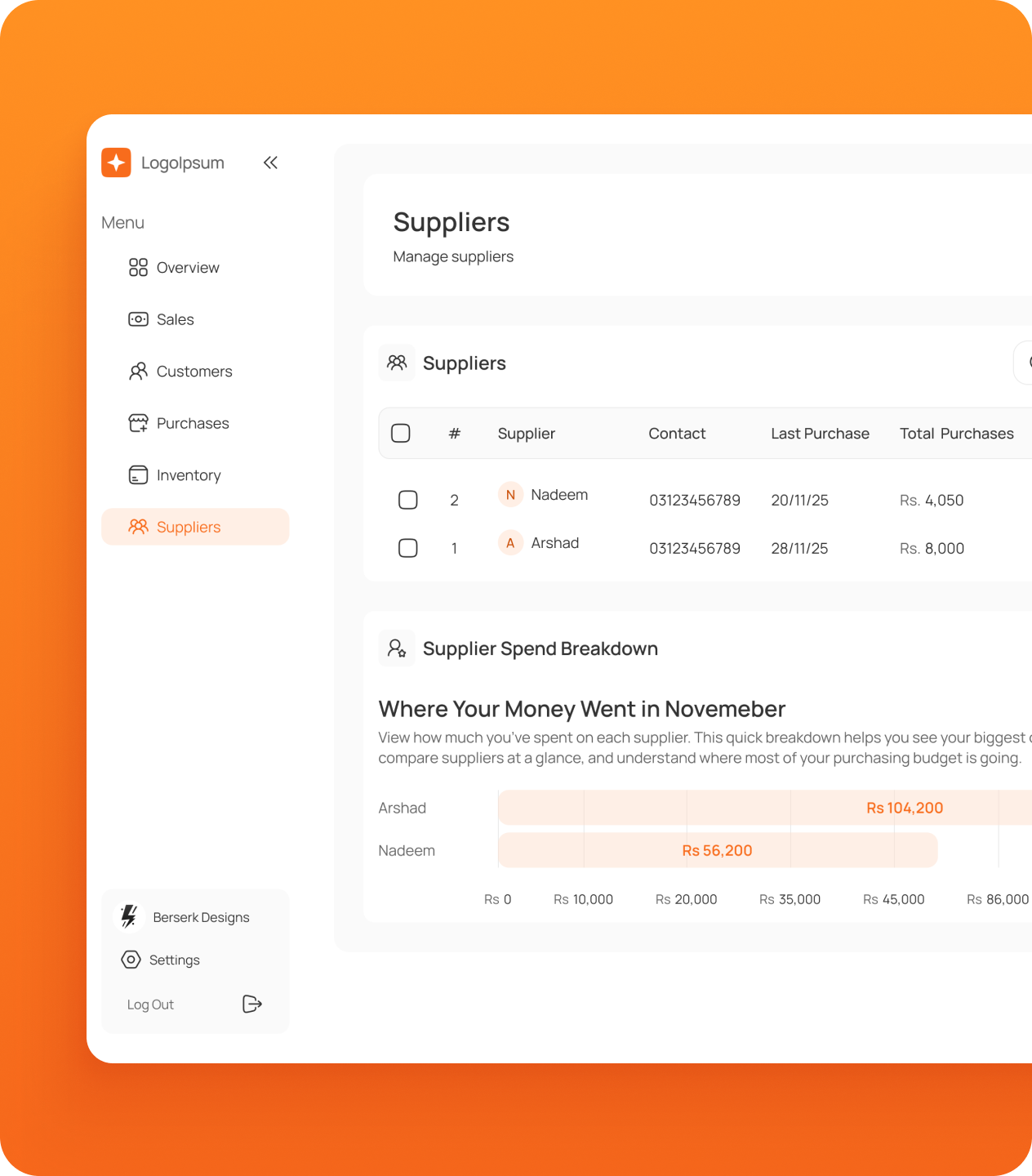
A simple dashboard that replaces paper and guesswork with clarity. It brings sales, stock, cash flow, and credit together in one view, so owners can see what’s happening at a glance. No complicated setups, no extra devices, just a straightforward system that makes managing the shop fast, easy, and reliable.
Hidden Challenges
Small businesses often look like they’re running smoothly, customers come in, cash moves, and stock sells, but beneath that surface are problems that quietly drain profit and make management harder over time. Because data is missing and tracking is inconsistent, owners rarely know their true profit, overlook slow or dead stock that locks up cash, and run into frequent stockouts that cost sales and loyalty. Credit is tracked unreliably on paper, leading to lost records, delayed repayments, and added financial risk. As a result, most decisions are made from memory and assumption rather than facts, which eventually leads to pricing mistakes, poor inventory choices, and misjudged demand.
Business Impact
The impact of this dashboard goes beyond visuals or features. It changes how the store operates on a daily basis by replacing paperwork with clarity and reducing unnecessary chaos. Owners gain a clear view of sales, inventory, cash flow, and credit without digging through pages or relying on memory. Decisions become faster, mistakes reduce, and the business runs with more confidence and control.
Reserach
What Actually Matters to Shop Owners
Shop owners don’t care about charts or fancy features. They care about clarity. They want to know where the money is going, how much profit they made today, how much cash came in, who owes them, what’s running out, and what stock is stuck or expired. In short, they want to manage the shop as fast as they sell.
Types of Businesses Studied
The research focused on high-activity small and medium businesses, including cosmetics, electronics, and kiryana wholesalers. Per-customer bills are often above 1,000 PKR, with large daily volumes and fast cash flow. Despite this scale, none of these shops use computers or POS systems.
How Their Day-to-Day Operations Work
Everything runs on paper. Sales are handwritten on slips or registers. Inventory is tracked manually. Owners estimate stock from memory or flip through pages. Credit is logged in ledgers or loose notes. Restocking is reactive and memory-based, making the business depend on the owner’s recall instead of data.
How They Think About Technology
Owners are too busy to learn complex tools and have no interest in expensive POS setups. If it feels like studying, they won’t use it. But they’re open to something that works instantly and feels plug-and-play. The only device they are open to accept is a barcode scanner, because it’s cheap and speeds up selling.
Recurring Problems Across Shops
Nearly every shop shared the same frustrations. Credit notes get lost, restocks go wrong, and quantities rarely match records. Cash flow, daily or monthly profit, and slow or expired stock are unclear until it’s too late. These problems hurt revenue, but feel so normal they’re rarely addressed.
Secondary Reserach
Device Limitations in Small Shops
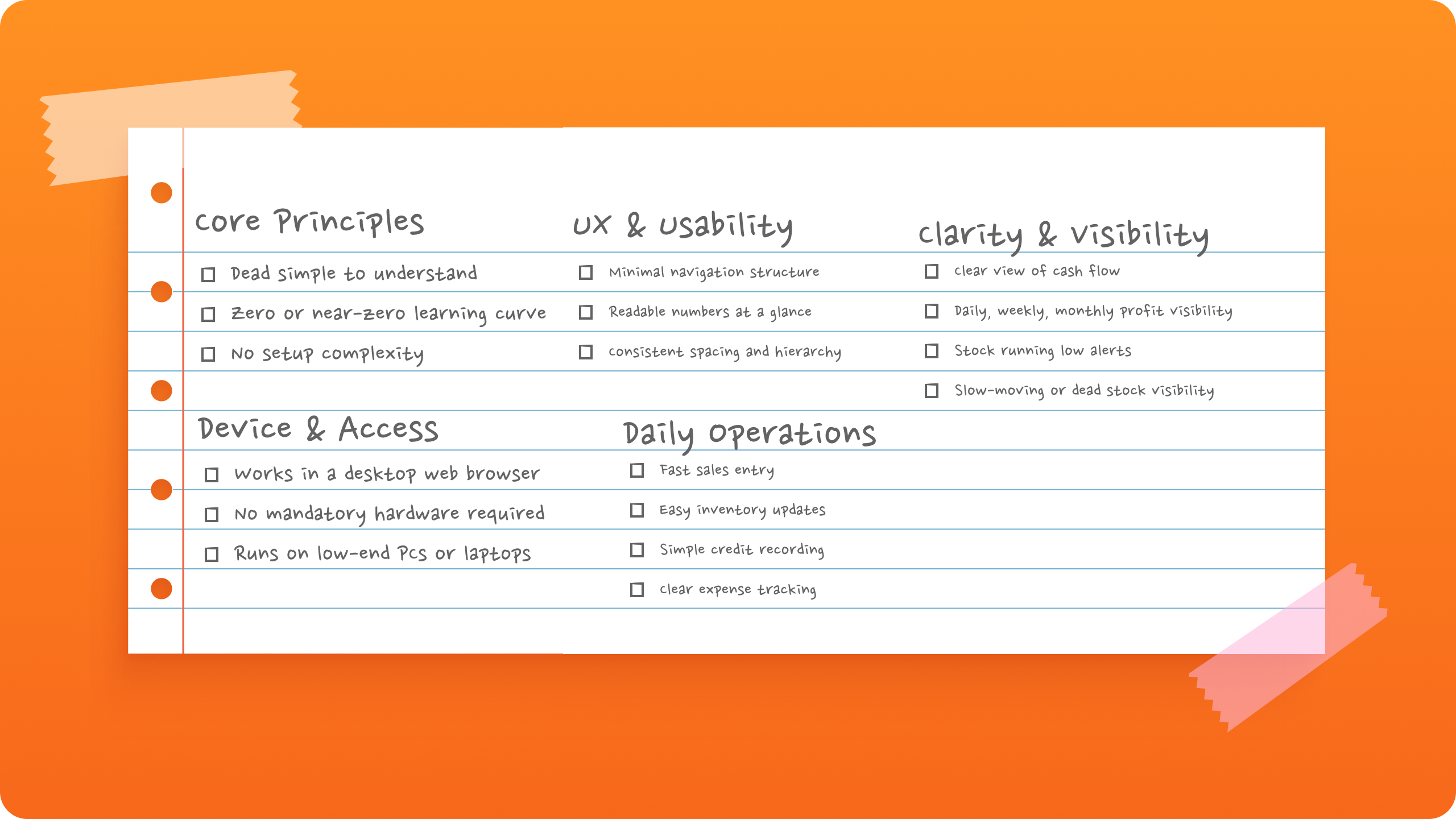
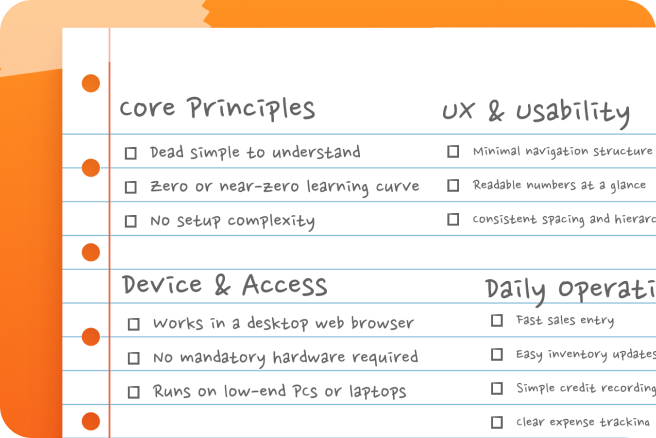
Most small and medium shops rely on basic PCs or budget laptops that can’t handle heavy apps or visual-heavy dashboards. This led us to design something lightweight, fast, and smooth on low-power devices, with a simple web browser as the only requirement.
Complexity Kills Adoption
Complex POS systems fail in low-tech shops because owners don’t have the time or patience to learn them. Tools that need setup, tutorials, or configuration are ignored. They want something that opens and works instantly, which pushed us toward minimal steps, clear screens, and simple actions.
Overloaded Screens Reduce Clarity
Many POS dashboards are packed with charts and widgets that look impressive but slow users down. Too much information hides what actually matters. Our research showed that keeping only essential data upfront gives owners clarity within seconds.
Hardware Dependency Creates Barriers
Systems that require extra hardware like POS terminals or printers increase cost and friction. Since most shops already have a basic PC, a browser-based system removes these barriers and fits naturally into daily use.
Domain Understanding
Before designing the dashboard, we studied how small and medium local shops operate. They move fast, handle high cash flow, and rely on memory and paper for sales, credit, and inventory, which works until mistakes pile up.
Most owners use old PCs or basic laptops, have low tech literacy, and limited time. If a tool isn’t easy in the first few minutes, they won’t use it.
Their goals are simple: track money flow, profit, fast-moving items, stock levels, and customer credit clearly. They avoid expensive hardware, so anything browser-based and optionally compatible with a cheap barcode scanner is ideal.
These realities shaped the design: fast, simple, familiar, lightweight, and instantly understandable, focusing on the numbers that matter most.
UX Strategy
Before designing the dashboard, we studied how small and medium local shops operate. They move fast, handle high cash flow, and rely on memory and paper for sales, credit, and inventory, which works until mistakes pile up.
Decision-making philosophy
Instead of designing for power users or feature depth, the focus stayed on everyday usage. If something required explanation, it didn’t belong in the interface. The goal was to create a system that feels obvious the moment it opens, where the user knows where to look and what to do without hesitation.
Minimizing cognitive load
Cognitive load was reduced through two main approaches. First, visual clarity. A well-designed interface feels easier to use because the brain processes clean, balanced layouts faster. When things look good, they feel less heavy. Second, spacing and whitespace. Elements are spaced just enough to separate meaning without pushing content too far apart.
Navigation simplification
Navigation was intentionally kept basic. A simple sidebar with clear tabs allows users to move between sales, inventory, credit, and reports without thinking. Each section contains only what belongs there
Microcopy and Content Decisions
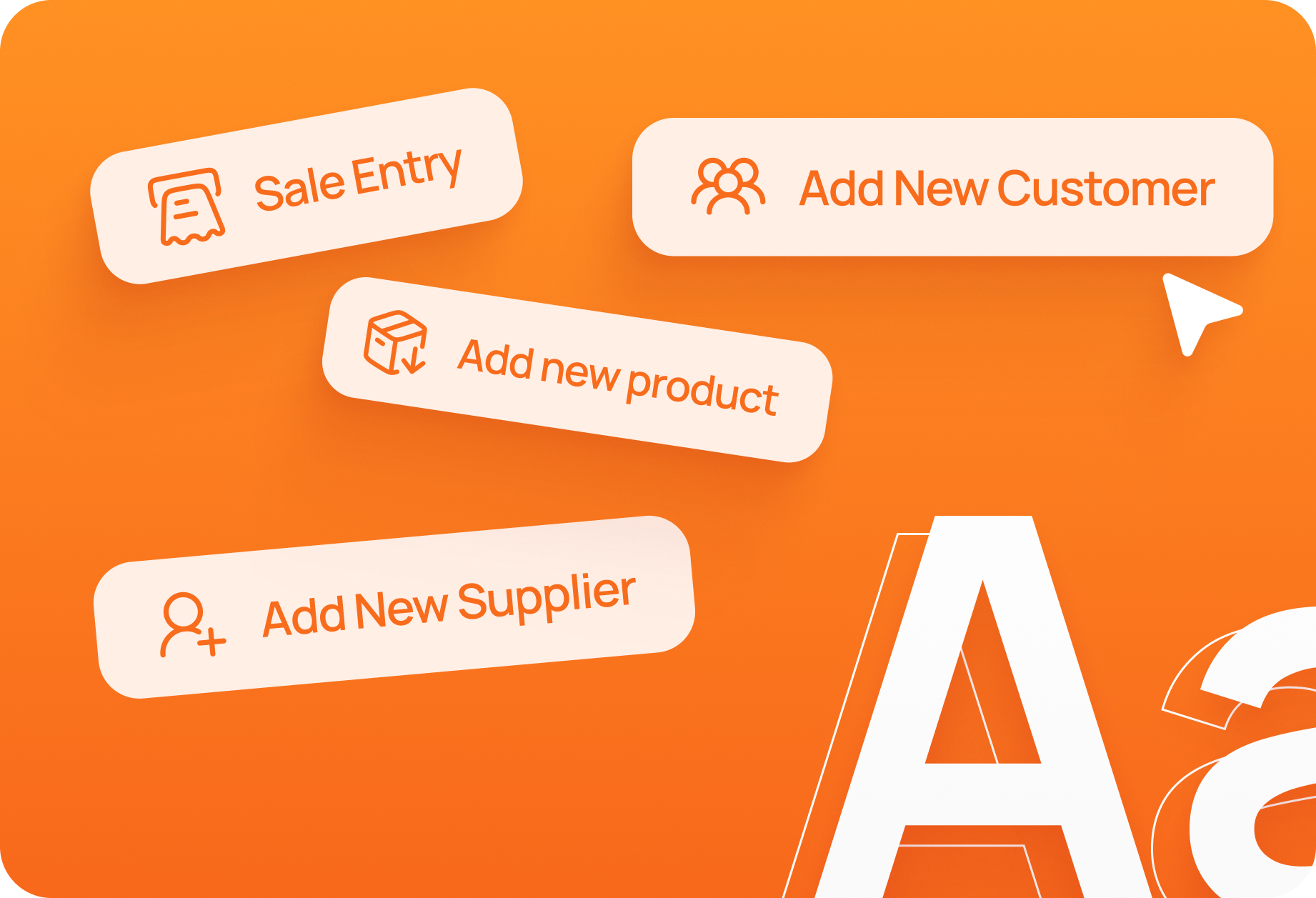
The content across the dashboard follows one rule, speak the way people actually do. Since most shop owners are not familiar with technical terms, all microcopy avoids jargon and uses everyday language. Labels, buttons, and instructions are written to feel familiar, so the system feels known, not learned.
Why This Solution Is Different
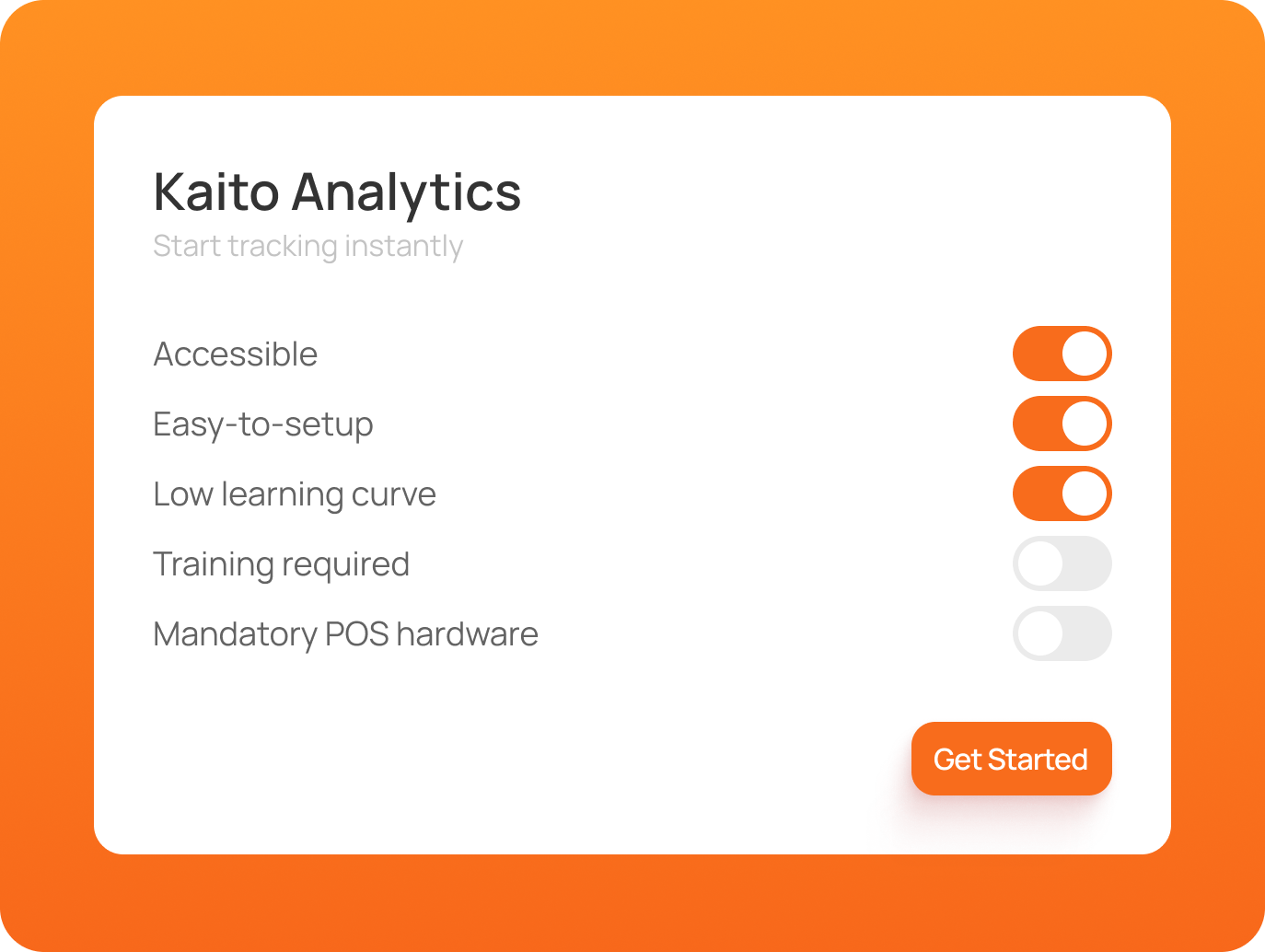
Most POS systems are built for enterprises and assume high tech literacy. Kaito Analytics focuses on an untapped segment in Pakistan, small business owners who need clarity. It is simple to set up, easy to understand, and usable from day one. No specialized hardware, no learning curve.
Future Scalability
Scalability is gradual by design. We start with the exact audience we studied: small and medium shops that move fast, have simple operations, and aren’t tech-savvy. The focus isn’t piling on features, it’s making the dashboard reliable, easy to use, and something owners trust enough to open every day. Everything in the core experience is built from our research, designed to meet their real needs and daily habits. Once this foundation proves solid, we introduce advanced tools for larger shops that need more control and reporting.
Technical Considerations
Feasibility and build scope
From the start, feasibility played a major role in shaping the product. Instead of attempting to build a large, feature-heavy system, the focus was on creating something small, realistic, and fully buildable. The goal was to enter the build phase thoughtfully, validate the core idea, and ship something solid.
Online vs offline usage
Internet reliability is a real concern in local shop environments. Because of this, the product will be designed with a hybrid approach in mind. Core actions should continue working even during temporary internet loss, allowing records to be saved locally. Once connectivity is restored, data can sync back to the server.
Multi-device considerations
While many shop owners use mobile phones, Kaito Analytics is designed for desktop in its current phase. Larger screens display more information clearly, reduce errors, and make high-volume tasks like inventory management easier. Mobile support will come later for quick checks and on-the-go access, once the core experience is stable.
Design System
Got a project in mind? Let's make it happen
Whether you’re aiming to grow your business, reach the right audience, or create something people genuinely enjoy using, we’re here to help you get there. No pressure, just a conversation.